Introduction
Introduction Here
Task Manager
Overview

The Task Manager tab shows you your tasks that you have set for yourself or others that have assaigned/ shared with you and you will be able to create these tasks here.
Tasks
Adding Tasks
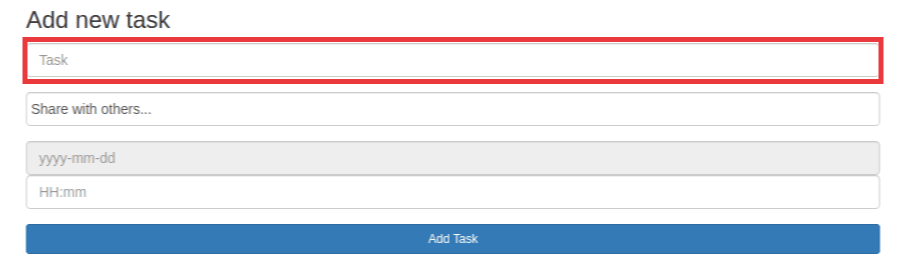
Fill in what your task is and what has to be done in the Task box.
You can also share your task with others using the Share With Others.... box.
Your Task

1.This black box shows the progress of your task yellow = to do, orange = in progress and green = done.
2.This is where you can set the progress of your task to either: to do, in progress or done.
3.This trash can button is to delete your task when you don't need it anymore.
Filtering Tasks

1.With the Task Status button you can search for tasks based on their progress.
2.With the All Tasksbutton you can search for tasks based on who owns them like: My Tasks Shared Tasks Assaigned To Me