Managing Aircraft

You can manage your aircraft by clicking on the my aircraft tab at the top of the screen.
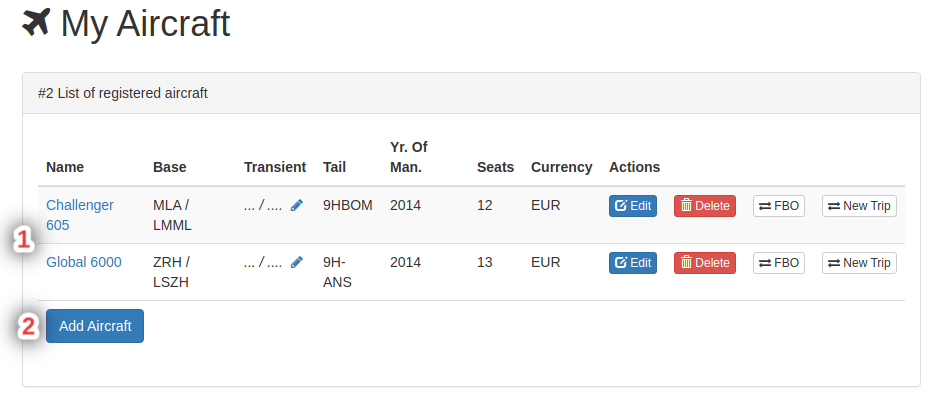
This will bring you to the screen displayed above.
from here you can either 1, select an aircraft, or 2, add an aircraft to the list.
Overview
Editing Aircraft
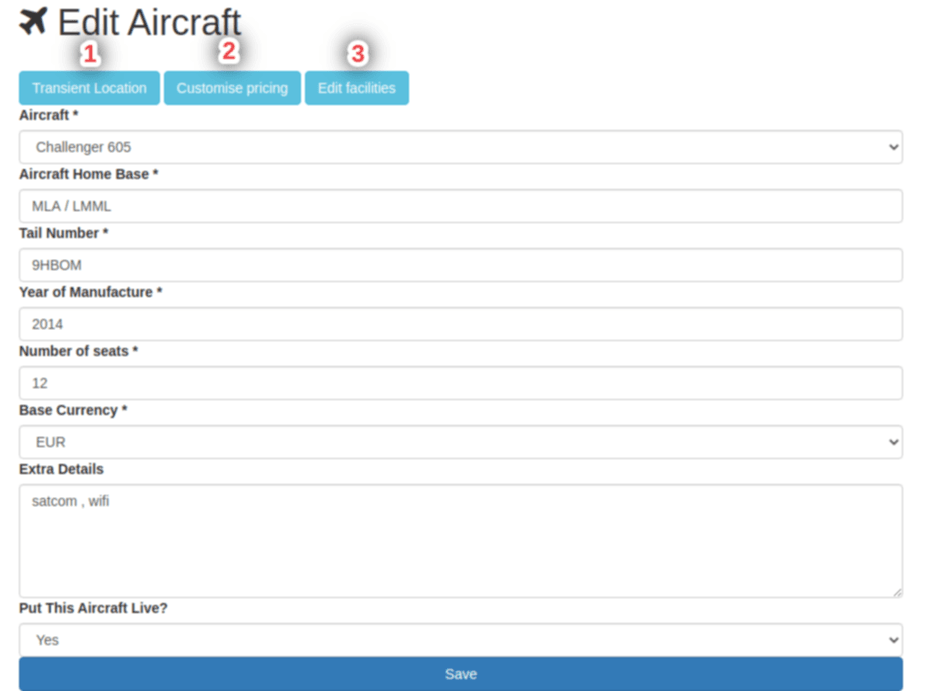
If you selected an aircraft to edit you will be brought to this page.
Here you can change basic aircraft settings and details.
The numbers in the image above corrospond to the following titles below.
1. Transient Location
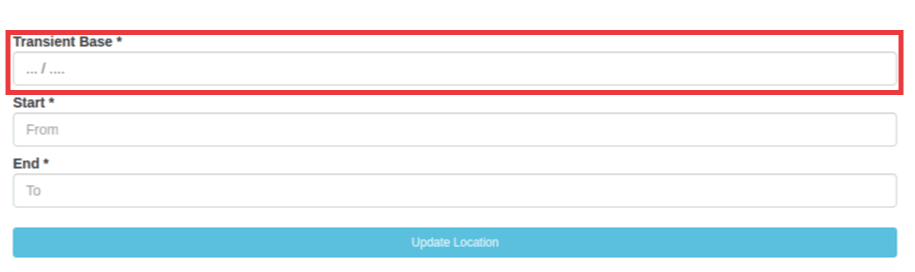
You can change the base for the aircraft and when you are done you can click the update location button.
2. Customise Pricing
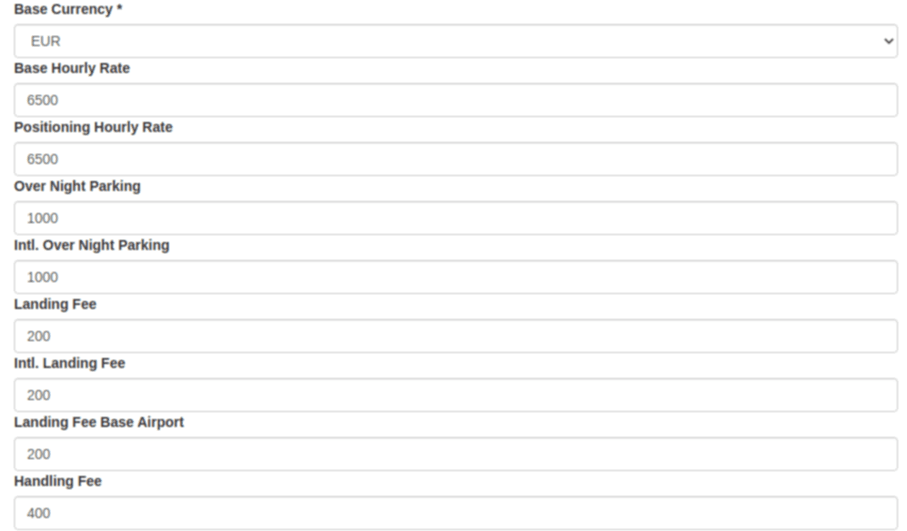
Here you can change the pricing of each elememt of the aircraft.
3. Edit Facilities
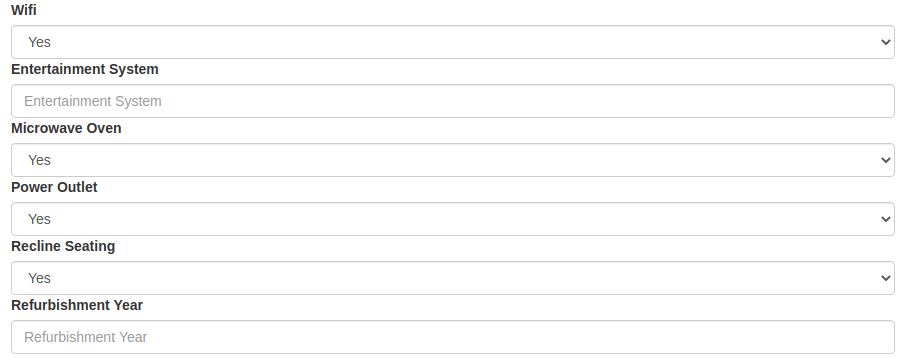
When editing the facilities you can change which facilities you want on the aircraft.
Aircraft Schedule
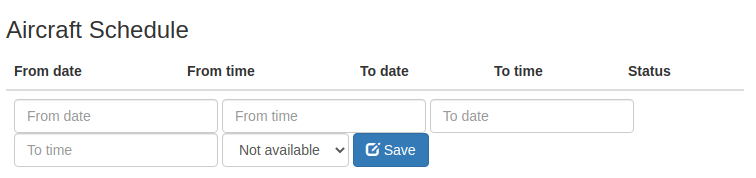
The aircraft schedule section is used to record and view whether an aircraft is avaliable or not.
You can fill in the times for the aircraft and then click the "save" button to save the times.