Introduction
*introduction*
Doc Box
Overview

To access the documents menu click the link above that reads Docbox.
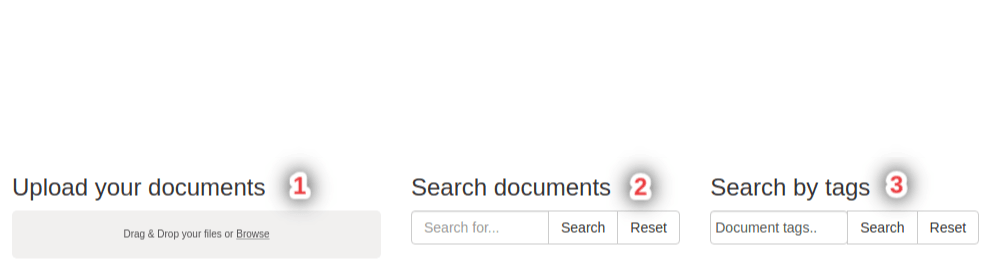
This is what the documents page will look like.
Adding a Document
To add a document, go to the "Upload your Documents" section and either drag your file in or click the link reading "browse". This is refered to beside the number 1 in the image above.
Searching Documents
You can search for a document by typing the name of it. This is shown in the image above beside the number 2.
Searching Documents by Tags
You can also search for documents according to what tags are given to them. This is refered to in the image above beside the number 3
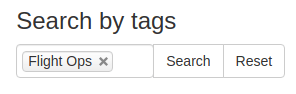
The tags can be changed via this dropdown menu:
Deleting documents
You can delete documents that you don't want anymore.

This can be done by clicking the red Bin Button.