LOGIN
Crew module can be accessed from demo.jdmapp.com/crew/auth. The crew has to enter the username and password for accessing the crew dashboard.
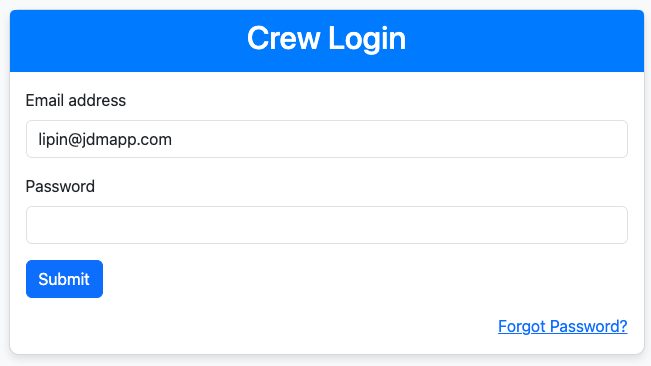
Crew module can be accessed from demo.jdmapp.com/crew/auth. The crew has to enter the username and password for accessing the crew dashboard.
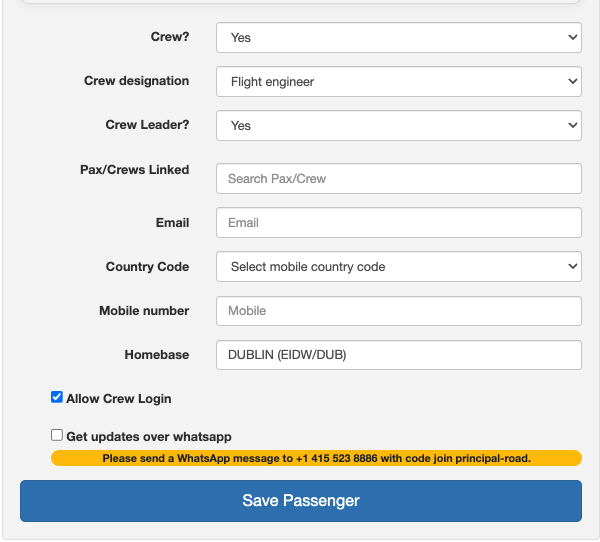
Crew must be allowed for crew login in the crew set up, for accessing the crew dashboard.
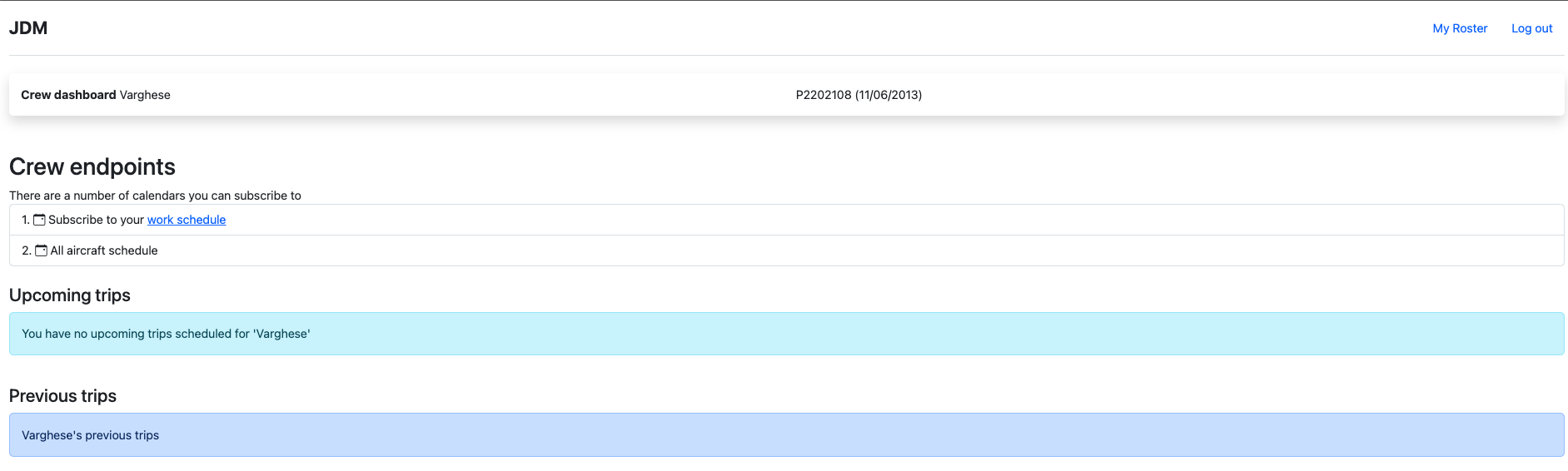
Crew dashboard for pilots can be accessed from https://demo.jdmapp.com/crew/dashboard. Based on the crew designation, the crew dashboard and functions are different. Here, taking pilot in command Lipin Varghese(Passport no: GB123ps6) as an example.
Now, login to the crew module. If the crew is logging for the first time, needs to set up the password for the login by clicking on the Forgot Password button.
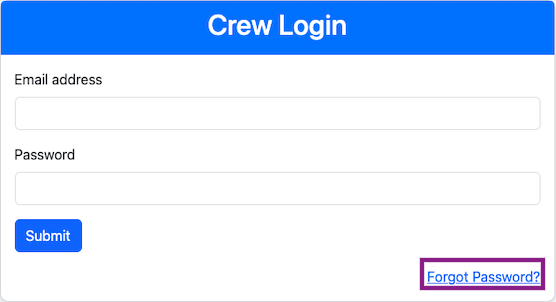
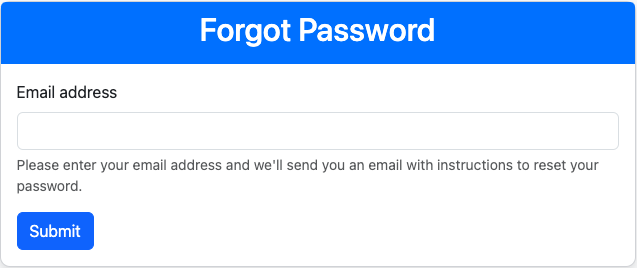
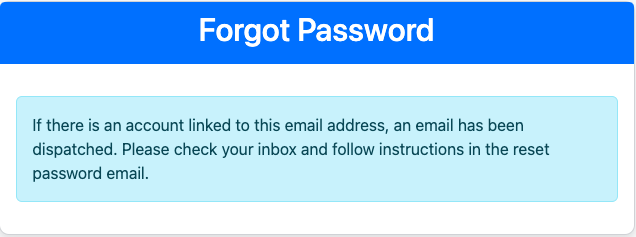
Now, enter the email address registered with the crew and the password reset will be sent to the email address.
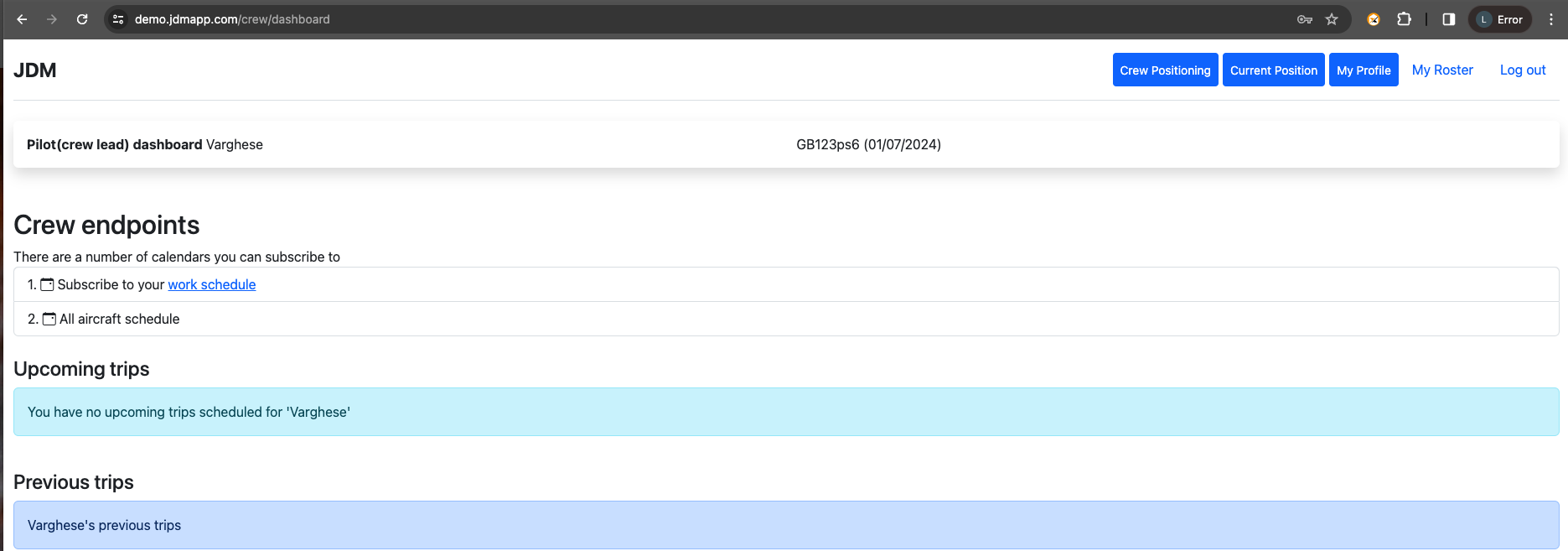
The pilot dashboard comes with the features crew positioning, current position, my profile, my roster, upcoming trips and previous trips.
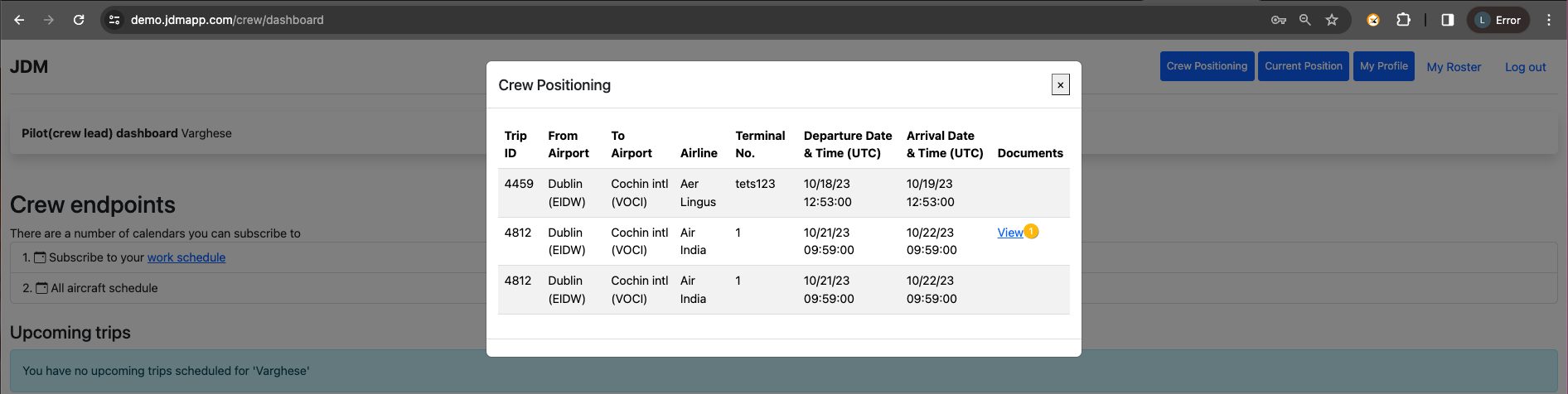
Crew positioning is for recording the flight details of the crew that they have taken for attending a flight. Ie, if a crew's current position was Dublin(EIDW) and he has a flight starting from Cochin(COK), then the details of the flight are recorded in crew positioning.
Current Position is where the crew is at the moment. If the crew is at the homebase or away from the homebase, then that's recorded in the current position.

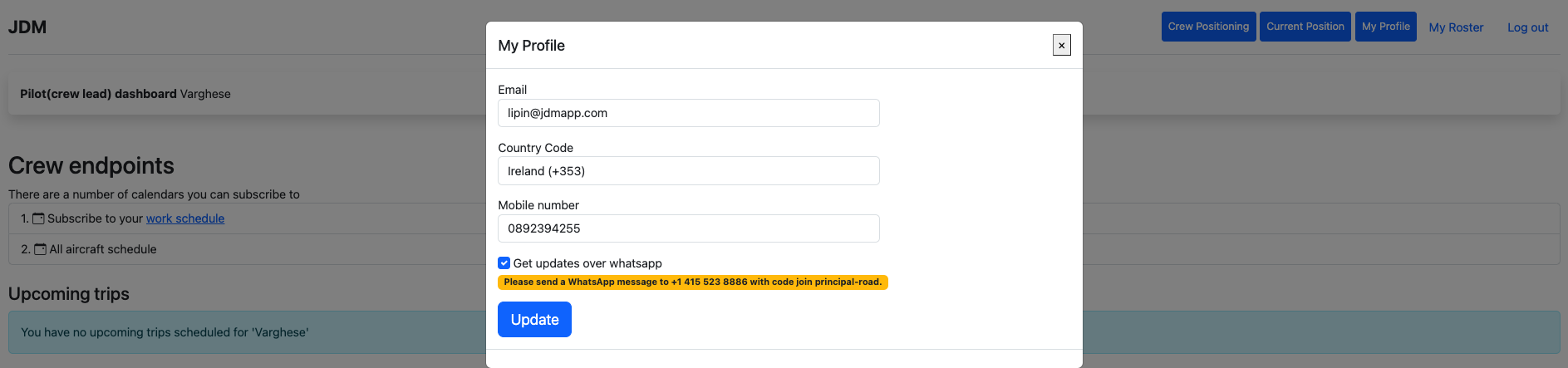
My profile is to manage the crew profile.Crew can manage the email, mobile number and whatsapp alerts on My profile section.
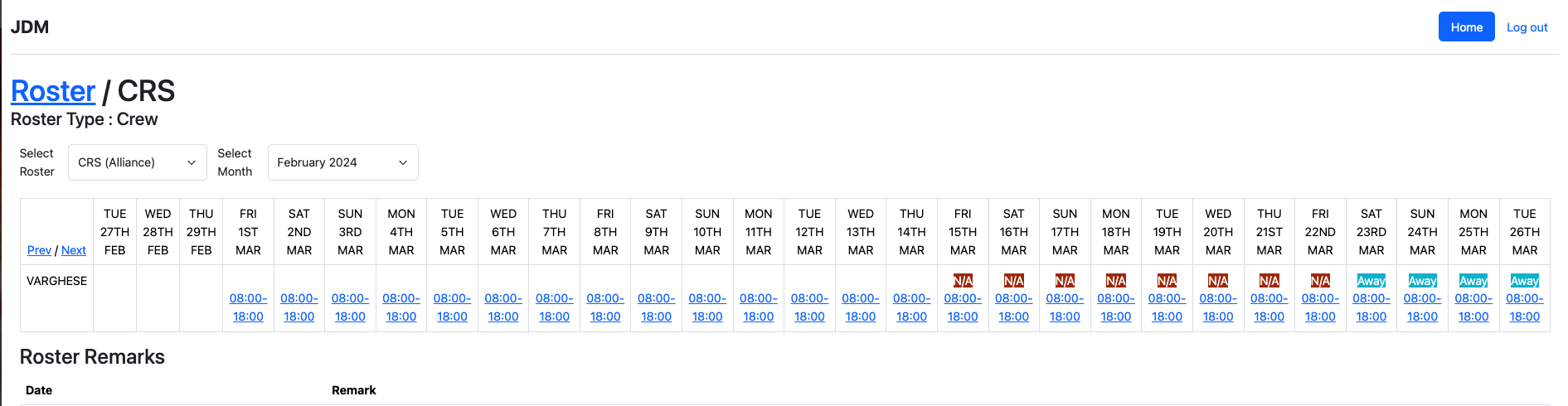
crew's can view the roster allocated in the crew login.

A list of the upcoming and previous trips are listed in the crew login.
Lead FA has two extra features from pilot login. My team and Flight report.
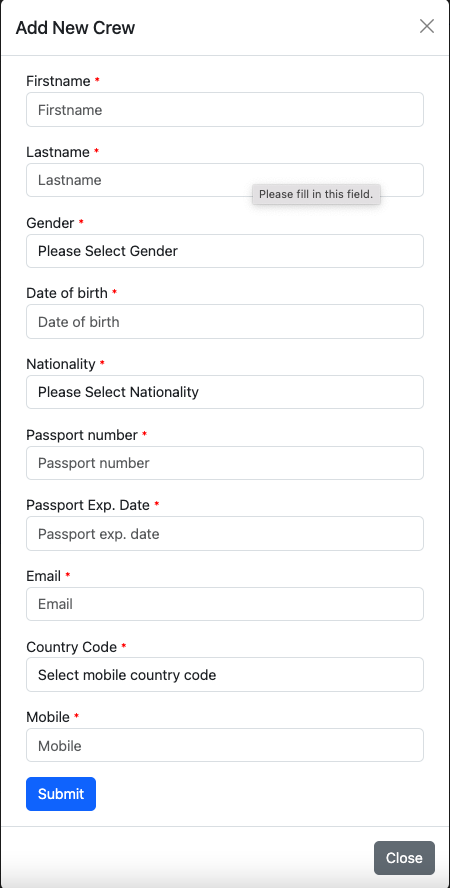
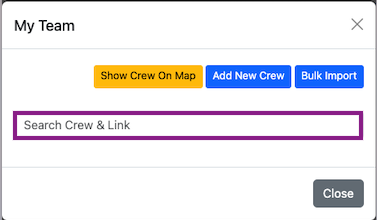
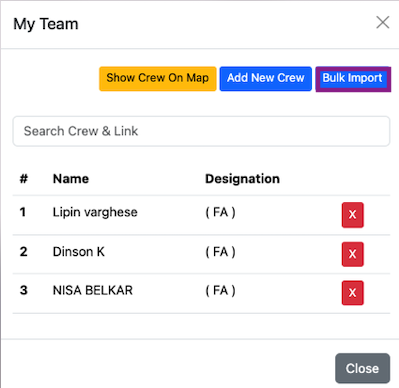
The Lead FA can link FA to his/her team. The lead FA has the map view of the tram crew. Lead FA has the privilege of adding new crew or bulk importing the crew set. A new crew can be added by clicking on the Add New Crew button.
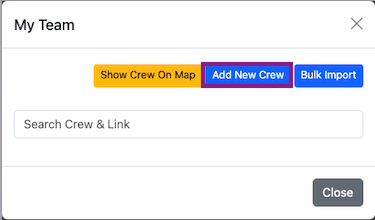
The existing crew can be added and linked to the team from the search box.
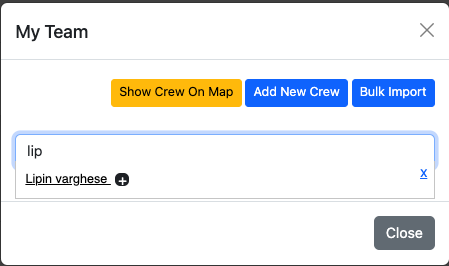
All the crew linked to the team will be displayed on the window.
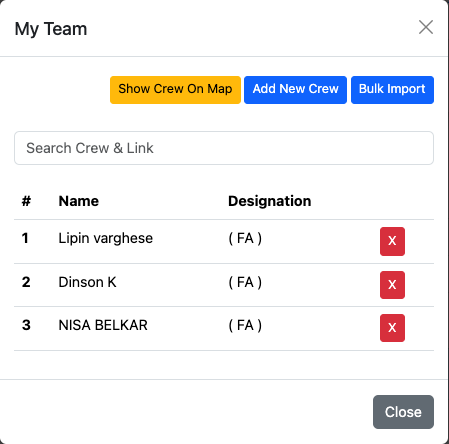
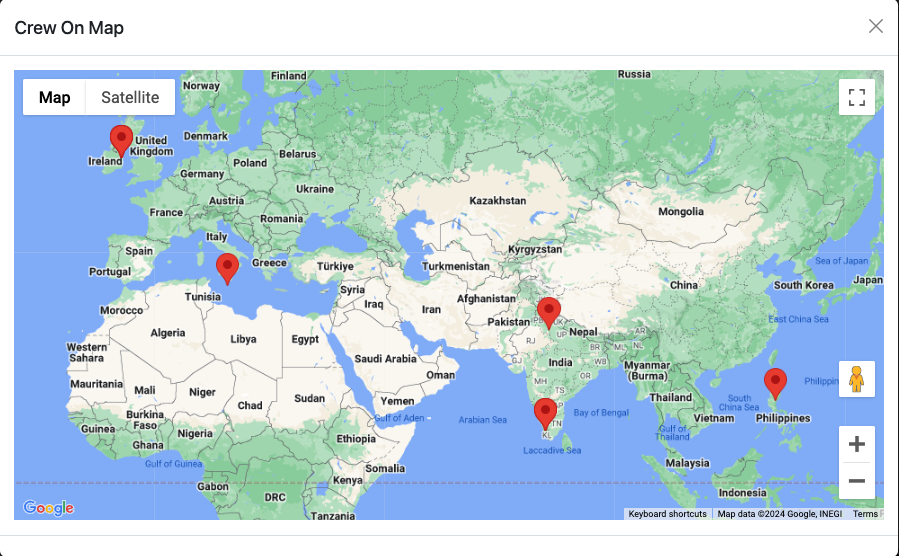
The location view of the crew linked with the team can be accessed by clicking on the Show Crew on Map button.
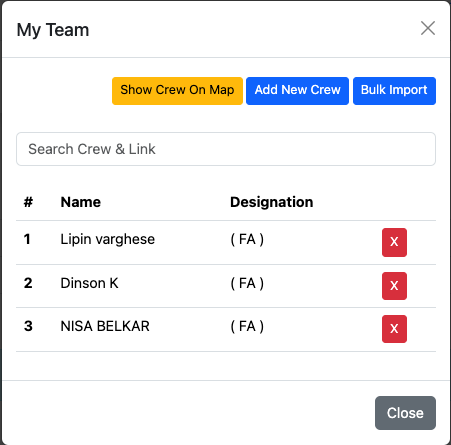
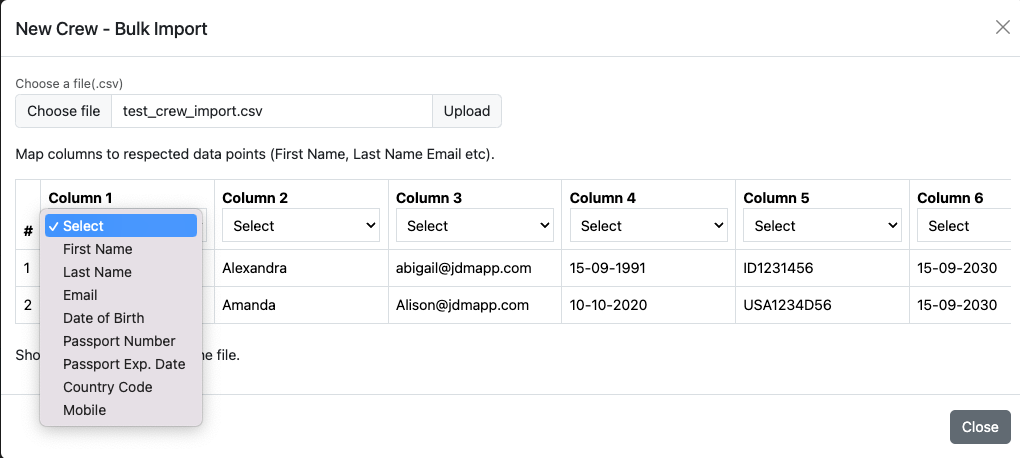
The crew list can be bulk imported into the team by clicking on the Bulk Import button.
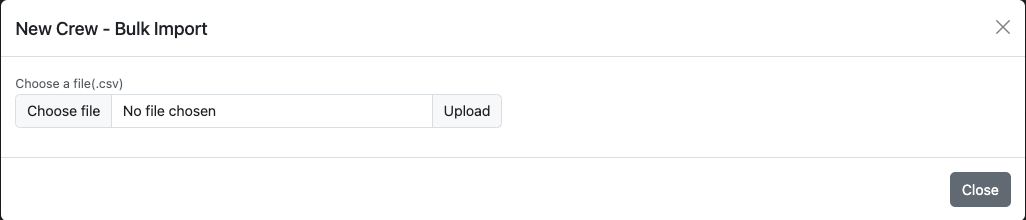
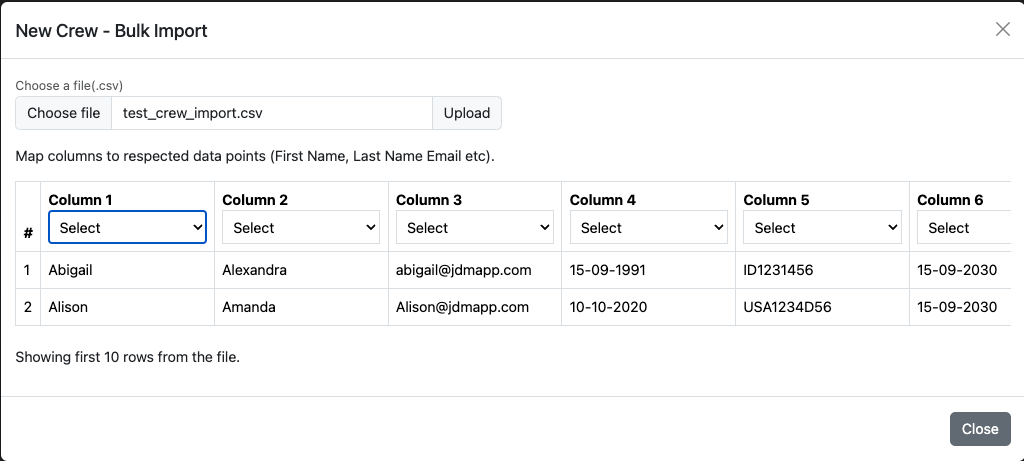
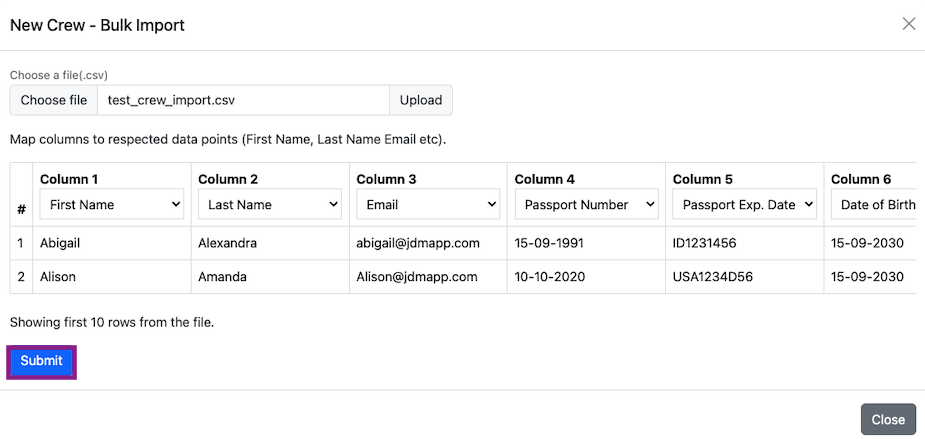
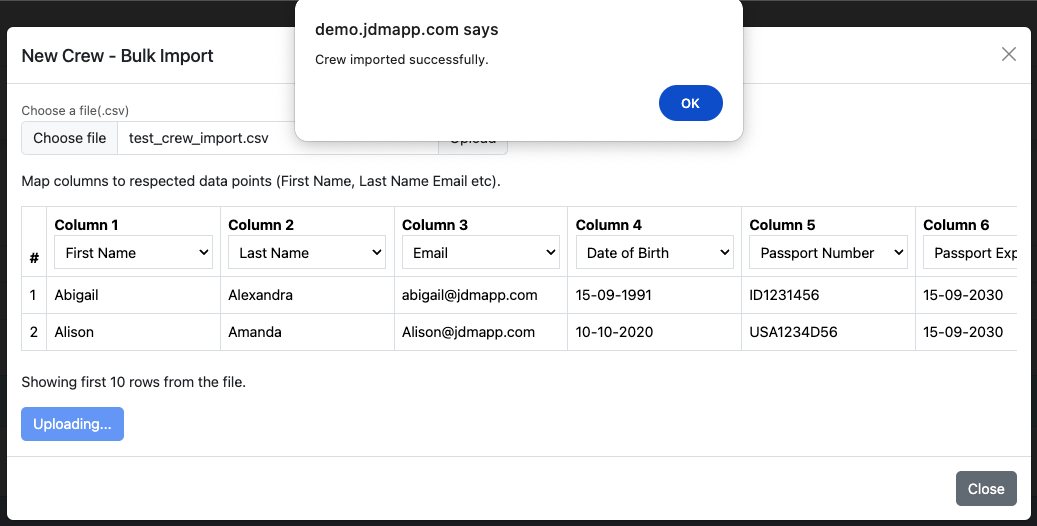
Crew can be bulk imported and the columns can be selected from the dropdowns.
The lead FA can view the flight reports and log from the Flight report tab.

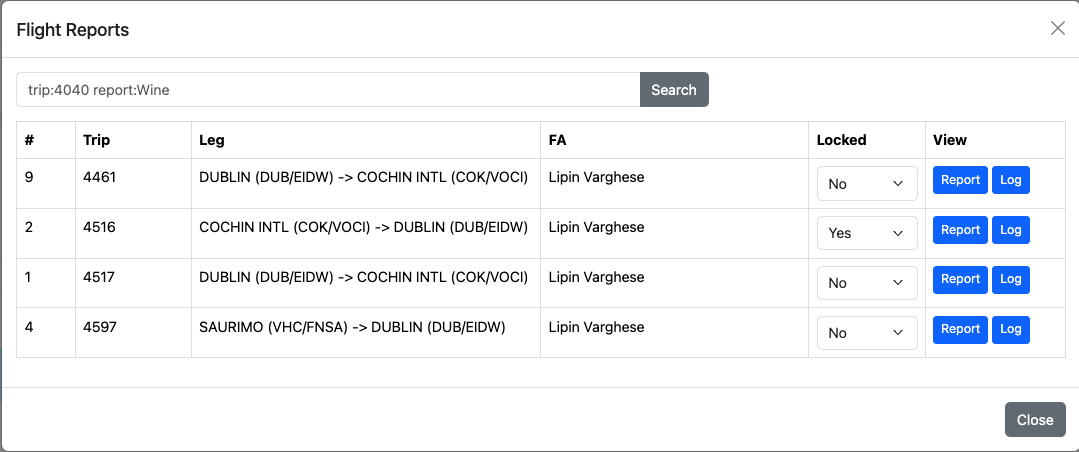
If a report is marked as locked, then the report cannot be modified.
The Flight Attendant crew login has only Upcoming trip previous trips features.